Conference Display Hire and Rental in Kenya
Visual communication plays an important role in successful corporate meetings, conferences, seminars and professional presentations. A well-positioned display allows participants to view presentations, charts, videos, meeting documents and other important information throughout an event. In hybrid meetings, a conference display can also show remote participants, helping connect people attending physically with those joining online.
At Janeson Rentals, we provide conference display hire and rental in Kenya for businesses, event organisers, institutions, training providers and individuals planning professional events. Whether you are organising a boardroom meeting in Nairobi, a corporate conference, a workshop, a seminar or a hybrid business event, hiring a suitable conference display can help create a more organised and engaging presentation environment.
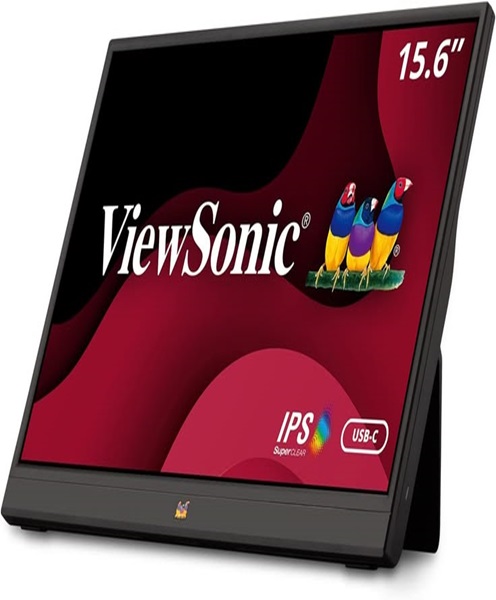
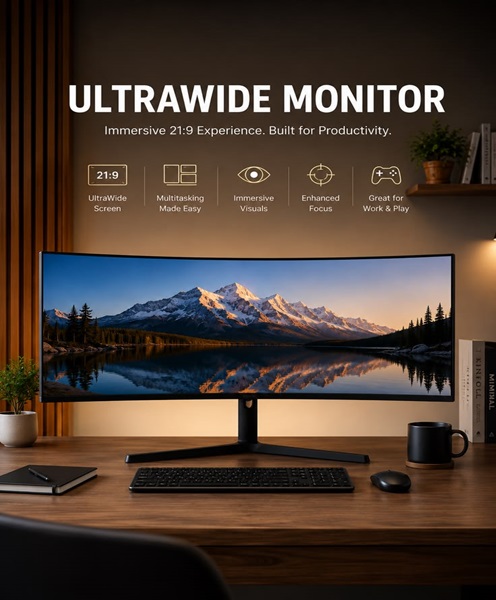
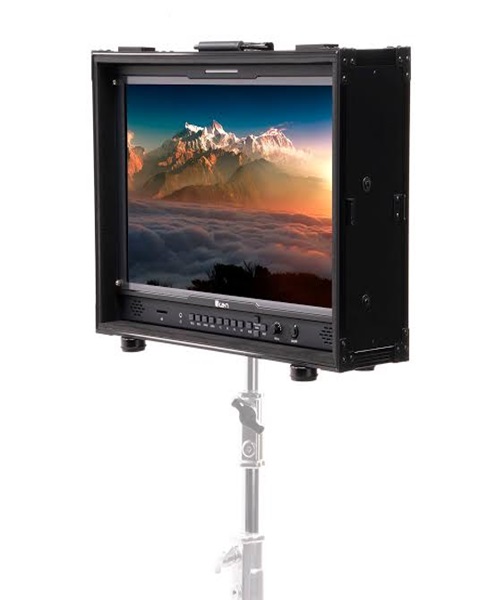
Conference displays come in different sizes, resolutions and configurations. Depending on the event requirements, organisers may choose a professional monitor, large television, interactive display or another compatible screen solution. The right option depends on the venue dimensions, viewing distance, audience size and type of content being presented.
Hiring a conference display offers flexibility for organisations that need professional visual equipment for a limited period. Instead of purchasing a screen for an occasional event, you can enquire about conference display rental from Janeson Rentals for your planned meeting or conference.
What Is a Conference Display?
A conference display is a screen used to present visual information during meetings, conferences, seminars and other professional gatherings.
It allows speakers and organisers to share information with participants in a visible format. Common content includes:
-
Presentation slides.
-
Business reports.
-
Charts and graphs.
-
Training materials.
-
Product demonstrations.
-
Video content.
-
Meeting agendas.
-
Video conferencing participants.
-
Live event information.
Conference displays may include televisions, professional monitors, large-format screens and interactive displays. Some are designed for smaller meeting rooms, while larger screens are more suitable for conference halls and event venues.
The display receives video from a compatible source, such as a laptop, desktop computer, video player or conferencing system. The connection may use HDMI, USB-C, DisplayPort, wireless presentation technology or another supported interface.
It is important to confirm the display’s available connections and supported resolutions before hiring, especially when using computers or other devices with specific output requirements.
Why Hire a Conference Display Instead of Buying?
Organisations often need additional screens for temporary meetings, special presentations and conferences. Buying displays for occasional use may not be the most practical option.
Conference display hire offers several advantages.
Cost-Effective Access to Professional Displays
Professional displays vary in price depending on size, resolution, features and intended use.
Hiring allows organisers to access suitable screens for a specific event without committing to the full purchase cost.
This can be especially useful for businesses hosting annual conferences, training programmes or temporary presentations.
Suitable for Temporary Venues
Many corporate events take place in hotels, conference centres, rented halls and other temporary spaces.
These venues may not have displays that meet the organiser’s requirements. Renting provides a way to introduce suitable screens into the event setup.
Flexible Screen Sizes
A small meeting room may only need a medium-sized display, while a larger conference may require a much bigger screen or several displays.
Hiring allows organisers to select equipment according to the venue and expected viewing distance.
Improved Presentation Experience
A suitable conference display makes it easier for participants to follow slides, diagrams, videos and other presentation materials.
It can also help presenters communicate information more effectively than relying on printed documents or small laptop screens.
Reduced Storage and Maintenance Responsibilities
Large displays require suitable storage, handling and transportation.
For organisations that only need additional screens occasionally, rental avoids the need to maintain a permanent inventory.
Events and Applications That Require Conference Display Rental
Conference displays are useful in many different professional environments.
Corporate Meetings
Businesses frequently use displays during management meetings, strategy sessions, financial reviews and departmental presentations.
A conference display allows participants to view reports, spreadsheets, charts and other business information together.
Boardroom Presentations
Boardrooms require displays that allow participants to view shared information without crowding around a laptop.
A suitable screen can present meeting documents, video calls and presentation slides to everyone in the room.
Corporate Conferences
Corporate conferences may involve keynote speeches, presentations, panel discussions and business announcements.
Conference displays can show presentation materials and supporting video content to the audience.
Larger venues may require multiple screens or LED display systems to ensure visibility throughout the room.
Seminars and Workshops
Seminars and workshops often involve training materials, diagrams, demonstrations and instructional videos.
A conference display allows participants to follow the material while the presenter explains each section.
Hybrid Conferences
Hybrid events connect physical and virtual audiences.
A conference display can show remote attendees, presentation slides or video conferencing content to participants in the venue.
The display should be connected to a compatible computer or conferencing system.
Training Sessions
Training providers and organisations may use conference displays to show educational materials, instructional videos and software demonstrations.
A suitable screen helps participants follow the trainer’s content throughout the session.
Product Demonstrations
Businesses launching or demonstrating products may use displays to show product videos, promotional content, technical presentations and digital demonstrations.
The display size should be appropriate for the audience and the amount of visual detail being presented.
Stakeholder and Institutional Meetings
Professional associations, educational institutions and organisations often use displays during formal meetings and stakeholder consultations.
A conference display helps communicate information to participants in a shared visual format.
Important Features to Consider When Hiring a Conference Display
Selecting the right display involves considering the venue, content and equipment connections.
Screen Size
Screen size is one of the most important considerations.
A smaller screen may be appropriate for a compact boardroom, while a larger display may be necessary for a wider meeting room.
The viewing distance and seating arrangement should guide the selection. Participants should be able to read the content comfortably from their seats.
Resolution
Resolution determines the level of detail displayed on the screen.
Different displays support different resolutions, such as Full HD and 4K. The appropriate option depends on the source device, content and viewing requirements.
For presentations involving detailed charts, text and diagrams, a suitable resolution can improve readability.
Brightness
Brightness affects how clearly the screen can be viewed under the venue’s lighting conditions.
A display used in a brightly lit conference room may need different brightness capabilities from one used in a dim presentation space.
Room lighting and screen positioning should be considered together.
Connectivity
Conference displays may support several input connections.
Common options include:
-
HDMI.
-
DisplayPort.
-
USB-C.
-
VGA on some older or specialised displays.
-
Supported wireless presentation systems.
The organiser should confirm that the laptop, computer or presentation device has a compatible output.
Audio Support
Some displays include built-in speakers, while others require an external audio system.
For a meeting involving video playback or remote participants, determine whether the display’s audio output is sufficient for the room.
Larger conference venues may require separate speakers.
Mounting and Placement
A display can be positioned on a suitable stand, mounted in an appropriate location or placed on a stable surface, depending on its design.
The screen should be positioned so that participants have a clear view without obstructing walkways or other event equipment.
Interactive Features
Some conference displays support touch input and interactive functions.
These may be useful for collaborative meetings, brainstorming sessions and training activities. Interactive capabilities are model-dependent and should be confirmed before hiring.
Conference Display Hire for Boardrooms and Corporate Meetings in Nairobi
Nairobi is a major centre for business meetings, corporate conferences, professional training and institutional events.
Organisations hosting these activities often require displays to present information to employees, clients, partners and other participants.
Conference display rental offers a flexible way to equip temporary meeting spaces with suitable visual presentation equipment.
A typical boardroom or conference display setup may include:
-
Conference display for presentations and meeting content.
-
Laptop or desktop computer.
-
HDMI or other compatible video cables.
-
Wireless presentation system where required.
-
Video conferencing camera for remote participants.
-
Conference microphones for capturing speech.
-
Audio system for video playback and remote meeting sound.
-
Display stand or other suitable support.
The appropriate arrangement depends on the room size, number of attendees and type of content being presented.
Combining a Conference Display with Other Event Equipment
A conference display is often used alongside other audiovisual equipment to create a complete meeting environment.
Laptops and Presentation Computers
A laptop or desktop computer can provide the presentation content shown on the conference display.
Before the event, confirm that the computer’s video output is compatible with the screen.
Wireless Presentation Systems
Wireless presentation systems allow compatible devices to share screen content without relying on a direct video cable.
They can be useful in boardrooms and meeting spaces where several presenters need to connect their devices.
The system should be checked for compatibility with the computers and mobile devices being used.
Video Conferencing Cameras
A video conferencing camera captures people in the meeting room and sends video to remote participants.
The conference display can show those joining remotely, allowing physical and virtual participants to communicate more effectively.
Conference Microphones
Conference microphones capture speech from presenters and meeting participants.
When combined with a display and video conferencing camera, they help create a more complete hybrid meeting arrangement.
Projectors and Projection Screens
Some venues require a larger viewing area than a television or monitor can provide.
Projectors and screens may be suitable for larger audiences, while conference displays are often convenient for smaller meeting rooms and boardrooms.
LED Screens
For larger conferences and events, LED screens may provide greater visibility than conventional displays.
They are useful for large audiences, stage presentations and events where content needs to be seen from a distance.
How to Prepare for Conference Display Rental
Proper planning helps ensure that the display works effectively throughout the event.
Before arranging conference display hire, consider these steps:
-
Assess the venue: Identify the room dimensions, seating layout and viewing distance.
-
Determine the audience size: Consider how many participants need to view the screen.
-
Choose the screen size: Select a display suitable for the room and the type of content.
-
Confirm the resolution: Ensure the display supports the quality required by the presentation source.
-
Check connectivity: Confirm whether the laptop uses HDMI, DisplayPort, USB-C or another compatible output.
-
Plan screen placement: Position the display where participants can view it comfortably.
-
Consider audio requirements: Determine whether built-in speakers are sufficient or external speakers are needed.
-
Prepare presentation content: Check slides, videos and other media before the event.
-
Test the equipment: Connect the source device and confirm that the image, sound and display settings work correctly.
These steps help reduce technical interruptions and improve the presentation experience.
Why Choose Janeson Rentals for Conference Display Hire in Kenya?
Janeson Rentals provides event equipment hire and rental solutions for businesses, institutions, event planners and individuals across Kenya.
Our conference display hire service supports clients who need suitable screens for professional presentations, meetings and conferences.
Clients can enquire about conference display rental for:
-
Corporate meetings and boardrooms.
-
Business conferences.
-
Seminars and workshops.
-
Training sessions.
-
Hybrid meetings.
-
Product demonstrations.
-
Institutional presentations.
-
Stakeholder consultations.
-
Professional events and exhibitions.
Based in Nairobi, Janeson Rentals serves clients organising events across Kenya. We recognise that display requirements vary depending on venue size, audience numbers, viewing distance and presentation equipment.
When making an enquiry, share your event date, venue, expected audience size, preferred screen size and connection requirements. This helps establish which display arrangement may be suitable.
Book Conference Display Hire and Rental in Kenya
Are you planning a corporate meeting, boardroom presentation, seminar, workshop or hybrid conference? A suitable conference display can help your audience follow presentations, view important information and participate more effectively.
Contact Janeson Rentals to enquire about conference display hire and rental in Kenya. Share your event requirements so that suitable display equipment can be considered.
Choose Janeson Rentals for conference display rental in Nairobi and across Kenya, and make your next professional event more visually engaging.